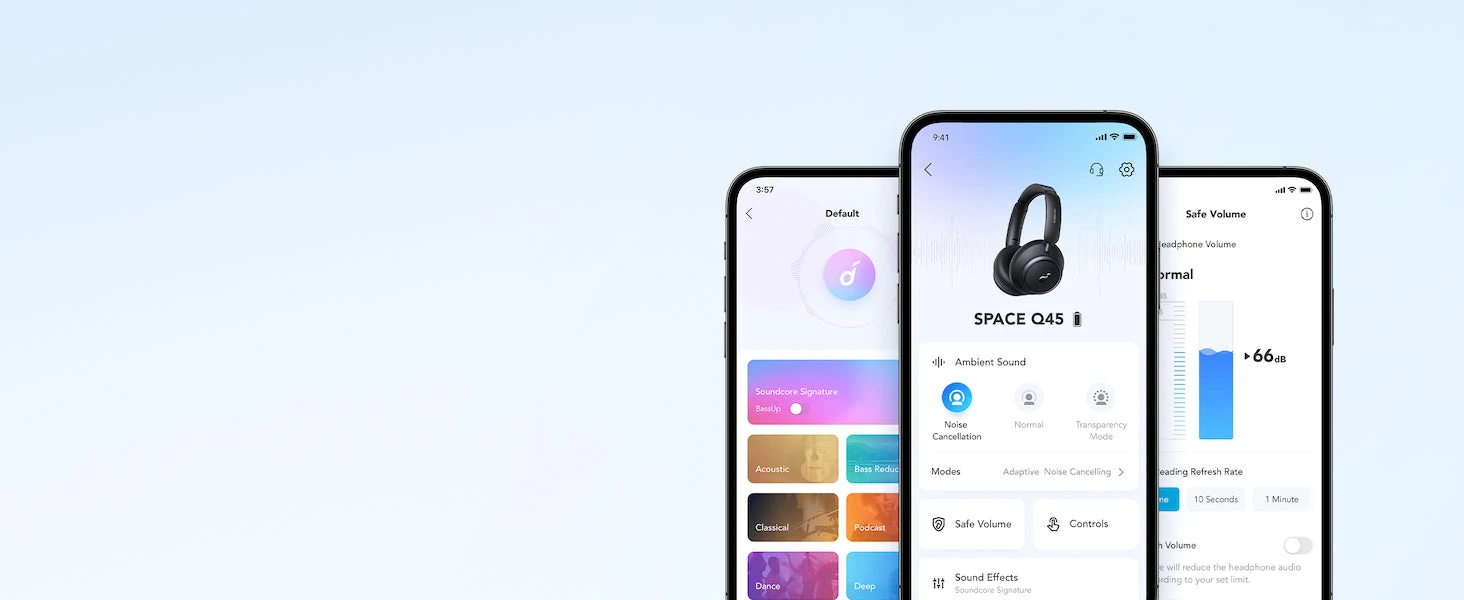
Verify the exact model, source device and settings. A codec badge cannot repair an unsupported phone, and multipoint is not the same as mixing two audio streams.
Manufacturer information informs the product details; the buying analysis is our own. This is not a hands-on test.Start with the two ends of the connection
A wireless audio codec is useful only when both the sending device and headphones support the arrangement. Begin with the phone or computer you will actually use. Do not pay for a particular format because a music service uses high-resolution files if the Bluetooth source cannot send that format. File quality and wireless compatibility are separate questions.
Check supported settings in the official instructions rather than assuming all Android devices, computers or app versions behave the same way. Software and firmware can change available options. A clear pre-purchase note should name the device, headphone model and feature you need. “Works with Bluetooth” is too broad when your decision depends on a specific mode.
Avoid assigning a universal sound improvement to a codec without a suitable comparison. We have not performed a listening test here. The quality of the source, connection conditions, fit and listener preferences all matter. A supported format is a capability to investigate, not proof that every person will hear the same benefit in every situation.
Multipoint describes a connection workflow
Keeping a phone and laptop connected can simplify a workday, but it does not necessarily let both play audio together. Call priority and media interruption depend on the exact model and applications. Think through a real sequence: music from the laptop, a phone call, then a return to the meeting. That is the workflow to test.
Pairing and automatic reconnection are different experiences. A model may remember devices while requiring a deliberate change to the current connection. Read the instructions carefully, and distinguish a paired-device list from simultaneous connection support. Otherwise an attractive feature label can leave you expecting a convenience the product does not actually provide.
Space One’s FAQ says multipoint pairing is unavailable while LDAC mode is active. That is an explicit example of features with a trade-off. Do not assume it applies to every model; investigate each product separately. When smooth phone-and-laptop switching is your main job, the convenient connection mode may be the better choice than a higher-bandwidth setting.
Calls add another set of settings
A conferencing app can select a different microphone or output from the one you expected. Check its audio settings rather than judging the headphones solely from the first call. A successful music connection does not prove a successful call arrangement. The operating system, app and headset all contribute to the result.
If colleagues report poor audio, make a controlled check using the same computer and app in a quiet environment. Confirm that the intended microphone is selected before changing hardware. We do not claim a particular call-quality ranking here. Troubleshooting the signal path can expose a setup error that buying a more expensive pair would not automatically solve.
Learn the supported reset and pairing process, but do not repeatedly reset everything without noting the symptom. A record of which device takes priority can be more useful than random changes. Consult the manufacturer support guidance when the exact behaviour is unclear. Stability matters more than having every possible mode switched on at once.
Choose one priority for each routine
For a focused music session from one compatible device, you may choose the supported codec arrangement. For a workday across phone and laptop, connection convenience may dominate. These priorities can change without either choice being wrong. The useful purchase supports the routines you perform most often, not a theoretical maximum combination.
Save a simple setup note with the app mode, connected devices and call settings. Check it after major updates or when changing a phone. This makes a complicated-looking feature list manageable. It also prevents somebody from enabling an audio setting and later mistaking a changed connection workflow for a hardware fault.
Buy a documented capability you can use, not a badge you cannot activate. When the exact source device and connection sequence are known, codec and multipoint features become understandable trade-offs. That is a more durable way to choose headphones than expecting a long specification list to guarantee effortless behaviour in every app.